
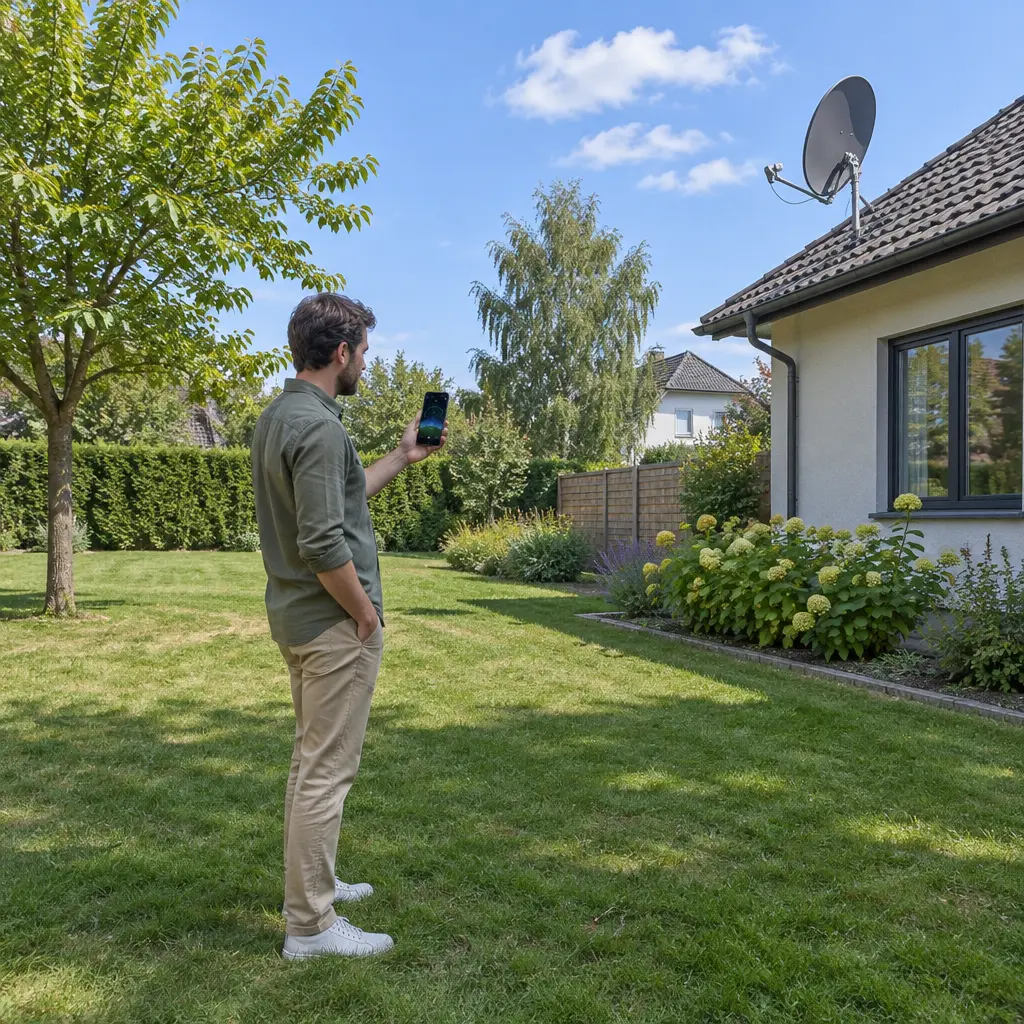
Satellite internet can work at an address when a provider serves the location, the dish has a sufficiently clear view of the sky, and local conditions support a stable connection. The most reliable way to check is to enter the exact service address in provider availability tools, then verify the installation site for trees, buildings, roof restrictions, and other obstructions. The Federal Communications Commission (FCC) reports that satellite can reach locations beyond the wired broadband networks represented in its coverage maps, but coverage does not guarantee that every home can be installed or will receive the same performance. This guide explains address-level availability, line of sight, weather and performance, equipment and installation, and how to compare providers before ordering.
Check satellite internet availability at your address
Address availability means a provider is prepared to offer service to a specific location under its current coverage, capacity, and installation rules. It is different from a broad coverage claim: a satellite may serve a region while a particular address is ineligible because of service capacity, local restrictions, or an unsuitable installation site.
Start with the provider’s official availability checker and enter the full street address, including apartment or unit number where applicable. If the tool cannot locate the property, try a nearby recognized address or contact the provider; a map pin or postal-code result may be too imprecise to confirm service. The FCC’s National Broadband Map can help identify reported providers and technologies, but it is a screening resource rather than a final installation approval. Coverage data may also lag changes in network capacity or service plans.
Provider coverage and network capacity
Coverage describes where a provider reports that its service is offered; capacity describes whether the network can take another customer in a particular area. A satellite’s broad footprint can include many addresses, but a provider may limit new orders in busy cells or require a waitlist. Ask whether the exact address is orderable now, whether the quoted speed is typical for the plan, and whether there are installation or equipment fees.
For a useful cross-check, compare the provider’s result with the FCC map and then confirm directly with the provider. The map’s reported availability is not a guarantee of a completed installation, and the provider’s order system is the better source for current capacity and eligibility.
Satellite service types and address fit
Satellite internet generally uses either geostationary satellites, which orbit at roughly 22,236 miles above Earth, or low-Earth-orbit (LEO) satellites, which operate much closer to the planet. Geostationary systems can cover large areas with relatively few satellites, but their long signal path usually creates higher latency. LEO systems can reduce that delay, though performance depends on satellite capacity, gateway infrastructure, and the provider’s service footprint.
These categories are useful when comparing service, but the orbit alone does not determine whether a plan is available at your home. Check the exact address, current plan terms, data policies, and expected performance for the specific provider.
Assess the satellite internet view of the sky
A clear view of the sky, often called line of sight, is the unobstructed path needed for a dish or antenna to communicate reliably with the satellite network. Provider equipment and network designs differ, so there is no single universal direction or clearance angle that applies to every installation. The provider’s app, site survey, or installer should determine the acceptable placement.
Trees, buildings, and terrain
Trees, rooflines, nearby buildings, hills, and other obstructions can interrupt the signal. A location that looks open from a doorway may still have branches or a neighboring structure in the antenna’s required field of view. Use the provider’s obstruction-checking tool, if available, from the proposed mounting location and check more than one possible site, such as the roof, a pole, or an open section of the yard.
Consider seasonal changes too. Leafless trees may appear clear in winter but block more of the sky after leaves return; future construction or growing vegetation can also affect a previously reliable setup. Do not climb onto a roof to assess a location unless it is safe and permitted.
Mounting location and property rules
A suitable site must provide both an adequate sky view and a safe, practical mount with a route for the cable into the home. Rental agreements, homeowners’ association rules, historic-district requirements, and local building or safety rules may affect where equipment can be installed. Ask the provider what mounting options are supported and whether a professional site survey is available before purchasing equipment.
Installation feasibility is separate from network availability: an address can pass the coverage check yet still need a different mounting position or additional installation work. Confirm who is responsible for permits, cable entry, and any extra charges.
Evaluate satellite internet performance and weather effects
Performance is the connection’s real-world speed, latency, consistency, and data allowance—not simply whether a provider lists the address as covered. The FCC’s broadband benchmark for fixed broadband is at least 100 Mbps download and 20 Mbps upload, but a benchmark is not a promise that a particular satellite plan will deliver those speeds at all times. Compare the provider’s plan disclosures with your household’s needs and, where possible, independent measurements from users in the same region.
Speed, latency, and household needs
Download speed affects activities such as video streaming and file downloads, while upload speed matters for video calls, cloud backups, and sending large files. Latency is the time data takes to travel between your device and a destination; it is especially noticeable in online gaming, remote desktop use, and interactive calls. Geostationary satellite connections generally have higher latency because of the greater distance to orbit, while LEO services can offer lower latency, subject to network conditions.
List the household’s typical simultaneous activities before choosing a plan. Check whether the plan has a data cap, priority-data threshold, traffic-management policy, or equipment rental charge. These terms can affect the experience as much as a headline speed.
Rain, snow, and service interruptions
Heavy rain or snow can weaken satellite signals, a phenomenon commonly called rain fade. The effect varies with the satellite band, storm intensity, antenna design, and local weather; snow or ice accumulating on equipment may also interfere. The National Weather Service notes that intense precipitation can affect satellite communications, but the actual impact at a home depends on the system and conditions.
Ask the provider about expected weather-related interruptions and equipment guidance for your climate. If dependable connectivity is essential for work, healthcare, or emergency communication, consider a backup such as cellular service where available. Satellite internet should not be treated as a substitute for emergency services or a guaranteed connection during severe weather.
Verify equipment, installation, and total cost
Equipment and installation determine whether an available service can be deployed at the property and what it will cost. Before ordering, confirm the antenna or dish requirements, power needs, cable length, router arrangement, mounting hardware, and whether installation is self-service or professionally performed.
Installation survey and obstruction testing
An installation survey checks for a workable antenna position, a clear sky view, and a safe cable route. Some providers use a mobile app or customer self-check; others may send an installer to assess the property. Treat a self-check as an initial indication, not a substitute for the provider’s final installation requirements.
If the first proposed position fails, ask whether an alternate mount or longer cable is supported and whether the change affects the price or warranty. Get any additional installation costs in writing.
Plan terms and backup options
Compare the full monthly cost, equipment purchase or rental, installation fees, contract or cancellation terms, data policies, and customer-support options. For remote properties, also compare satellite with fixed wireless, cellular home internet, and any available wired service. The FCC map can help identify alternatives, while provider checks and local user reports can clarify actual availability and performance.
A practical address-checking process
- Enter the complete service address in each provider’s official availability checker.
- Confirm current order eligibility, capacity, plan speeds, data terms, and total costs directly with the provider.
- Use the FCC National Broadband Map to review reported providers and compare other technologies.
- Check the proposed installation site with the provider’s obstruction tool or arrange a site survey.
- Review trees, buildings, terrain, mounting permissions, cable routing, and seasonal changes.
- Compare latency, weather resilience, equipment requirements, and backup options against your household’s needs.
Conclusion: confirm both coverage and installation fit
Satellite internet is most likely to work at an address when the provider confirms current service, the installation location has the required sky view, and the plan’s performance and costs suit the household. Availability maps are a starting point; address-level order confirmation, obstruction checks, and a clear understanding of weather limits and data policies provide stronger evidence. Check the exact location with providers, compare alternatives using the FCC map, and request an installation assessment when the site is uncertain.
Sources: Federal Communications Commission, National Broadband Map, https://broadbandmap.fcc.gov/; Federal Communications Commission, 2024 Section 706 Report, https://www.fcc.gov/reports-research/reports/broadband-progress-reports/2024-706-report; Federal Communications Commission, 2024 Section 706 Notice of Inquiry, https://www.fcc.gov/document/fcc-seeks-comment-updating-broadband-speed-benchmark-0; National Weather Service, Satellite Communications and Weather, https://www.weather.gov/; NASA, Orbits and Satellite Basics, https://science.nasa.gov/learn/basics-of-space-flight/chapter5-1/