
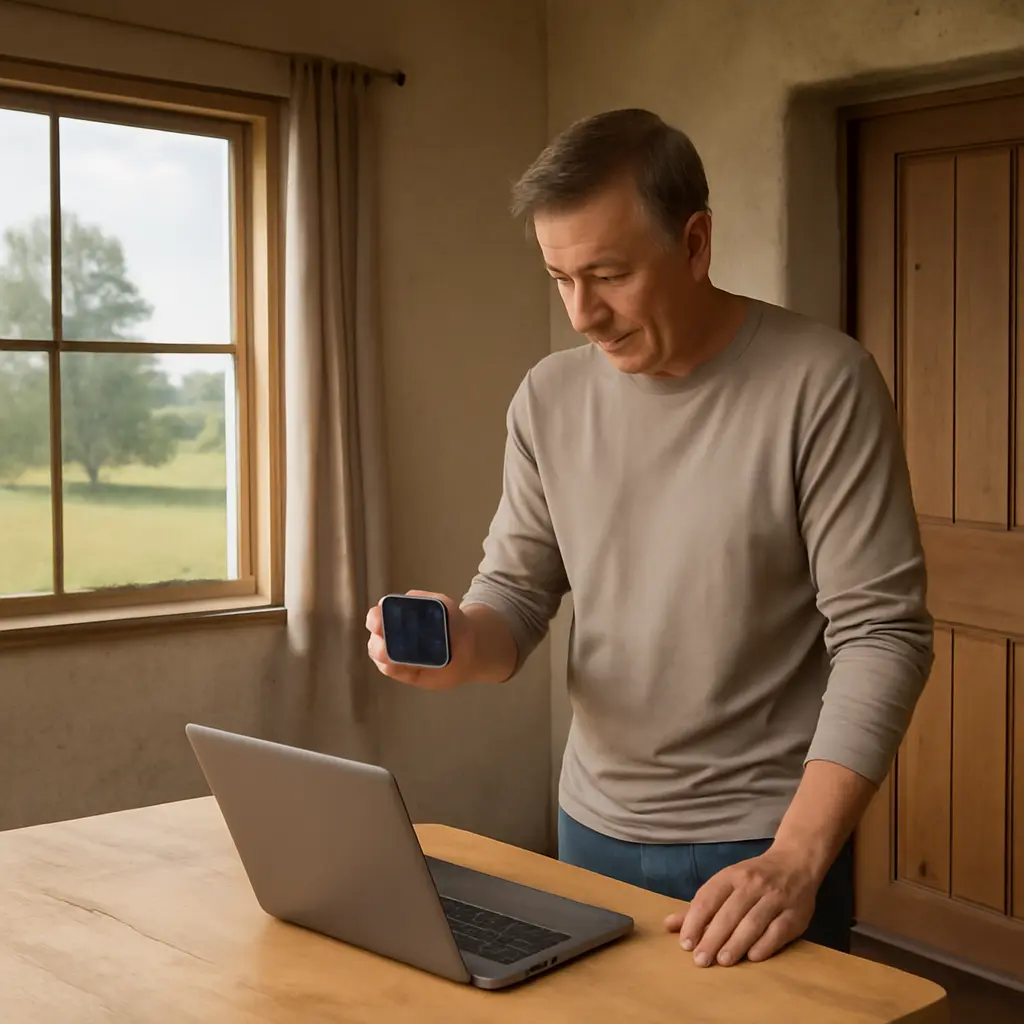
A household hotspot is a phone or dedicated device that shares a cellular data connection with other devices over Wi-Fi. Before switching to satellite internet, rural households often misjudge what a hotspot can reliably do: they overlook data limits and signal variation, test only at convenient times, or compare a temporary hotspot experience with the wrong satellite plan. The Federal Communications Commission (FCC) notes that mobile broadband coverage maps represent predicted outdoor coverage, not a guarantee of indoor service or a particular experience at every location. Checking signal, data use, Wi-Fi coverage, equipment, and alternatives can help households identify whether the problem is cellular service, home networking, or a genuine need for satellite.
Hotspot limitations: Understanding rural household performance
A mobile hotspot connects devices to the internet through a cellular network; its performance depends on the carrier’s coverage, available network capacity, device capabilities, and the household’s data plan. The FCC’s broadband maps distinguish mobile coverage from fixed broadband availability and caution users, in effect, to check location-specific service rather than assume that a coverage indication guarantees usable service indoors. In rural areas, distance from cell sites, terrain, trees, building materials, and congestion can all affect results.
Hotspots are not a single kind of service. Common options include phone tethering, dedicated cellular hotspot devices, and fixed wireless or cellular home internet equipment. These differ in antenna design, power, plan terms, and how many devices they are meant to serve. A careful comparison starts by identifying which type the household uses and what exactly is failing.
Mistake 1: Treating a coverage map as a performance guarantee
A coverage map is a planning tool, not a measurement taken inside a particular home. A phone may show a signal outdoors but struggle in a metal-sided house, basement, or room far from a window. Conversely, weak-looking bars do not alone establish actual speed or reliability. Test the connection in the rooms where people work, study, and stream, and record download speed, upload speed, and latency at different times.
The FCC’s mobile broadband map allows users to examine reported provider coverage by location, while the agency’s broadband data resources also let consumers challenge map information they believe is inaccurate. Use the map as an initial screen, then verify service with real-world tests and the provider’s plan details.
Mistake 2: Testing only once or at one time of day
A single speed test can miss peak-hour congestion, weather-related disruptions, or changes in network conditions. Run repeated tests over several days, including busy evening hours and the times household members need service. Record results near the hotspot and in the rooms where devices are used. If the hotspot performs well close by but poorly elsewhere, Wi-Fi reach may be the problem rather than cellular reception.
For a useful comparison, keep the test device, location, and method consistent. Note outages and dropped video calls as well as speed. A brief high-speed result does not prove that a connection can sustain a work meeting, large upload, or multiple simultaneous users.
Mistake 3: Underestimating data use and plan restrictions
A household may mistake a plan’s advertised allowance for unlimited high-speed data. Some plans reduce speeds after a threshold, prioritize other traffic during congestion, or apply different terms to hotspot data than to phone data. The exact rules vary by provider and plan, so check the service terms rather than relying on the word “unlimited.”
The FCC’s 2024 Internet Use Survey reported that 95% of U.S. adults used the internet, reflecting how many daily activities now depend on connectivity. For a household, video streaming, operating-system updates, cloud backups, and security cameras can use data in the background. Review the device’s data-usage settings and the carrier account’s usage history over a full billing cycle. For context, Netflix says standard-definition streaming can use up to about 1 GB per hour, while high-definition streaming can use up to about 3 GB per hour; actual use varies with settings and content.
Troubleshooting decisions: Separating cellular problems from home Wi-Fi problems
A hotspot delivers internet over cellular, then distributes it to nearby devices over Wi-Fi. That two-part path matters: poor cellular reception affects the internet connection itself, while weak Wi-Fi affects how well devices connect to the hotspot. Before deciding that satellite is the only option, test each part independently.
Mistake 4: Blaming the carrier when the Wi-Fi signal is the weak link
If speed is acceptable beside the hotspot but falls sharply in another room, the limitation may be Wi-Fi range or interference. Try placing the device in a central, elevated location near a window, away from thick walls and large metal objects. Check the manufacturer’s guidance on supported Wi-Fi bands and the maximum number of connected devices. A dedicated hotspot or compatible cellular router may serve a household better than a phone that is also being used for calls and other tasks.
If the connection is poor even beside the hotspot, test another supported device or SIM where possible, confirm that the plan has not reached a threshold, and ask the provider about outages or network coverage. These checks help avoid buying a new internet service to solve an indoor Wi-Fi issue—or replacing a hotspot when the underlying problem is weak cellular service.
Mistake 5: Ignoring device placement, power, and upkeep
A hotspot needs stable power and a sensible placement. Battery-saving settings, overheating, aging equipment, outdated software, or a damaged charging cable can contribute to interruptions. Follow the manufacturer’s instructions, keep firmware current, and avoid covering a device that needs ventilation. Test its performance while plugged in, but use an approved power adapter and keep it away from moisture and excessive heat.
For homes with borderline reception, ask the carrier whether an external antenna or a compatible router is supported. Compatibility is important: an antenna or booster that does not match the network bands or device may provide little benefit. FCC rules also apply to signal boosters, which must meet technical requirements and generally require carrier consent.
Mistake 6: Failing to test the actual household workload
A speed test is not a substitute for testing the activities that matter. Try a video meeting while another household member streams, upload a representative work file, use online learning tools, and check whether smart-home devices stay connected. Record the number of users, time of day, and any buffering or call drops. This produces a more realistic picture than a single maximum-speed result.
Also distinguish speed from latency and reliability. Video calls and interactive applications can feel poor when delays or interruptions are high, even if a download test appears adequate. Satellite services can have different latency characteristics depending on the technology and plan, so compare the service against the household’s actual needs rather than assuming that any satellite option will behave identically.
Satellite switching decisions: Comparing service before committing
Satellite internet can provide a fixed broadband option where wired service is unavailable, but switching is not automatically the best response to a frustrating hotspot. The FCC’s broadband availability data can help households identify fixed providers at an address, while provider service descriptions and plan terms clarify equipment costs, data policies, performance expectations, and installation requirements. Availability and performance are location-specific.
Mistake 7: Comparing headline speeds instead of total service terms
Advertised speeds are only one part of a useful comparison. Check monthly price after any introductory period, equipment and installation charges, contract or cancellation terms, data policies, expected latency, and whether the plan is available at the exact address. Ask providers what happens during congestion and whether service may be affected by obstructions, weather, or capacity limits.
The FCC’s Broadband Consumer Labels are intended to make key plan information easier to compare, including price, introductory pricing, data allowances, and performance information where applicable. Review the label and the full terms before ordering, and retain a copy of the offer.
Mistake 8: Overlooking other local options and backup needs
Satellite is one option among several. Depending on the address, alternatives may include fixed wireless, a different cellular carrier, a cellular home-internet plan, fiber, cable, or a cooperative provider. Availability can change over time, so check the FCC National Broadband Map and contact providers directly. A neighbor’s experience may be useful context, but service can differ even between nearby properties.
Households that rely on internet for telehealth, remote work, or emergency communication should also consider a backup plan. This might mean keeping a charged phone with a different carrier, arranging access to a community connection, or identifying how essential services work during an outage. Do not assume a satellite connection is immune to equipment, power, or weather-related interruptions.
A practical pre-switch checklist
- Check multiple carriers’ coverage and available fixed services at the exact address.
- Run repeated hotspot tests in important rooms and at different times of day.
- Review a full month of data use, including streaming, updates, cameras, and backups.
- Test the household’s real workload with multiple devices operating at once.
- Determine whether the issue is cellular reception, Wi-Fi range, device condition, or plan limits.
- Compare satellite and other providers using total cost, data terms, latency, equipment, and cancellation conditions.
- Confirm installation requirements and whether trees, buildings, or other obstructions could affect the satellite equipment’s view of the sky.
Conclusion: Make the switch based on measured needs
The most common hotspot mistakes are treating coverage maps as guarantees, testing too little, overlooking data restrictions, confusing Wi-Fi problems with cellular problems, and comparing satellite plans by headline speed alone. A household can make a more confident decision by measuring service across rooms and times, checking actual data consumption, testing everyday tasks, and comparing all locally available options and their full terms.
Before ordering satellite service, document what the hotspot can and cannot do and ask providers to confirm availability and plan details for the property. Use the FCC broadband map and consumer-label information as starting points, then verify conditions directly with providers. That evidence-based approach can prevent unnecessary expense and help rural households choose connectivity that fits their location and needs.
Sources: Federal Communications Commission, National Broadband Map, https://broadbandmap.fcc.gov/; Federal Communications Commission, Broadband Data Collection, https://www.fcc.gov/BroadbandData; Federal Communications Commission, Broadband Consumer Labels, https://www.fcc.gov/broadbandlabels; Federal Communications Commission, 2024 Internet Use Survey, https://www.fcc.gov/reports-research/reports/internet-use-survey; Netflix Help Center, How to control how much data Netflix uses, https://help.netflix.com/en/node/87; Federal Communications Commission, Signal Boosters, https://www.fcc.gov/general/signal-boosters.